Back to the help centre
Team workflows
Use the copilot with review
Consult knowledge and prepare text without losing control of sending.
Application workflow
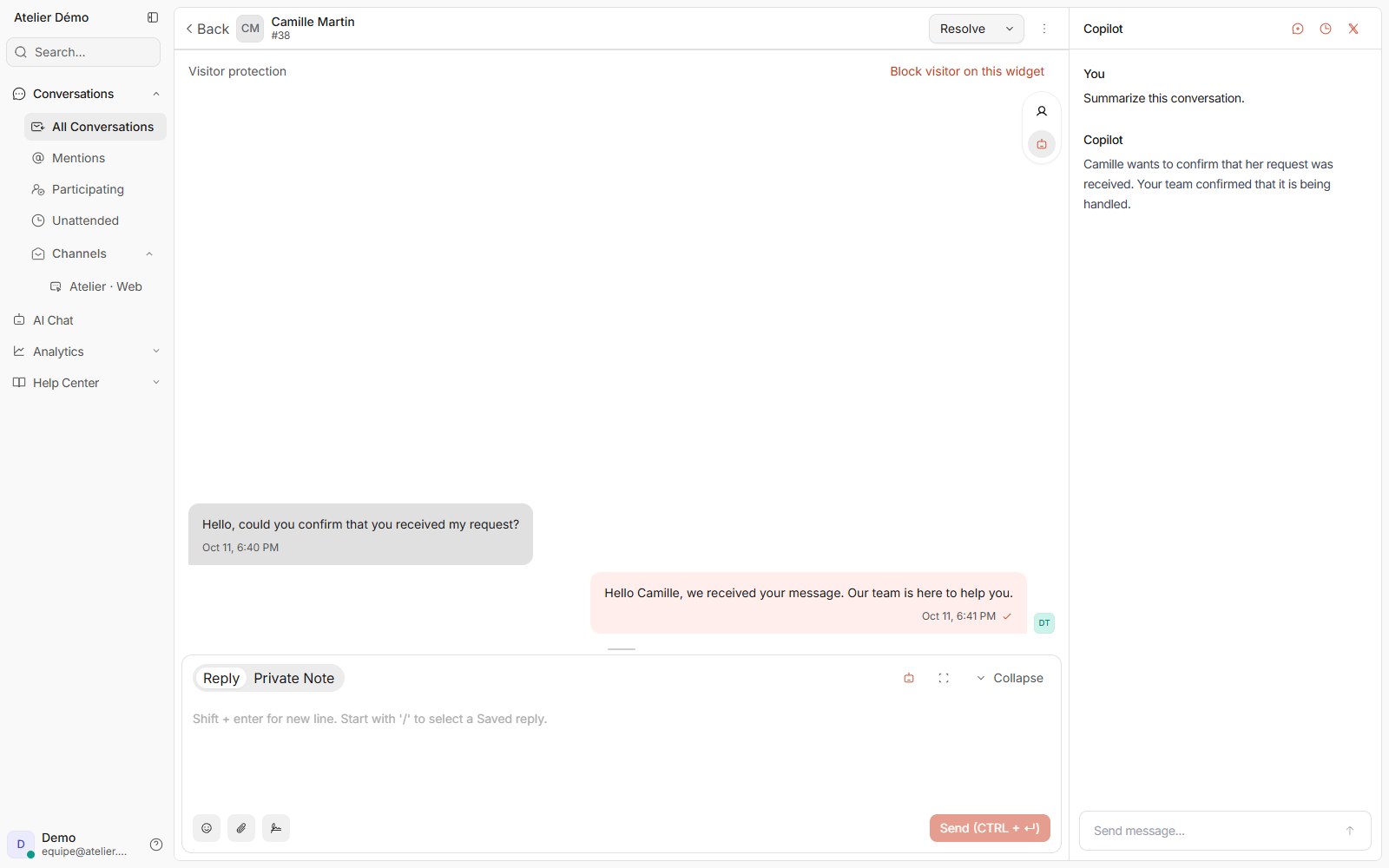
- Open the conversation in the correct account and enable the copilot panel if your role and AI features allow it.
- Ask a specific question or launch reply assistance offered by the editor. Do not add information unrelated to the request.
- Read the result and available sources. Check facts, recipients, tone and sensitive information.
- Accept or adapt the suggestion in the draft. Check that existing text has not been unintentionally replaced.
- Send the reply only after review. Check usage counters if a limit is reported.
If the workflow is blocked
If the result lacks evidence, check the source or write manually. If the account reaches its limit, manual replies remain available. A failed generation is not a message sent to the customer.
Access and limits
The v7 catalogue counts successful copilot actions. Historical contracts may use credits. This allowance is separate from customer AI conversations.