Shared inbox
Triage, assign, and respond from a common conversation history.
Use cases
Bring conversations, customer history, and useful sources together in a shared inbox to assign requests and respond with their context.
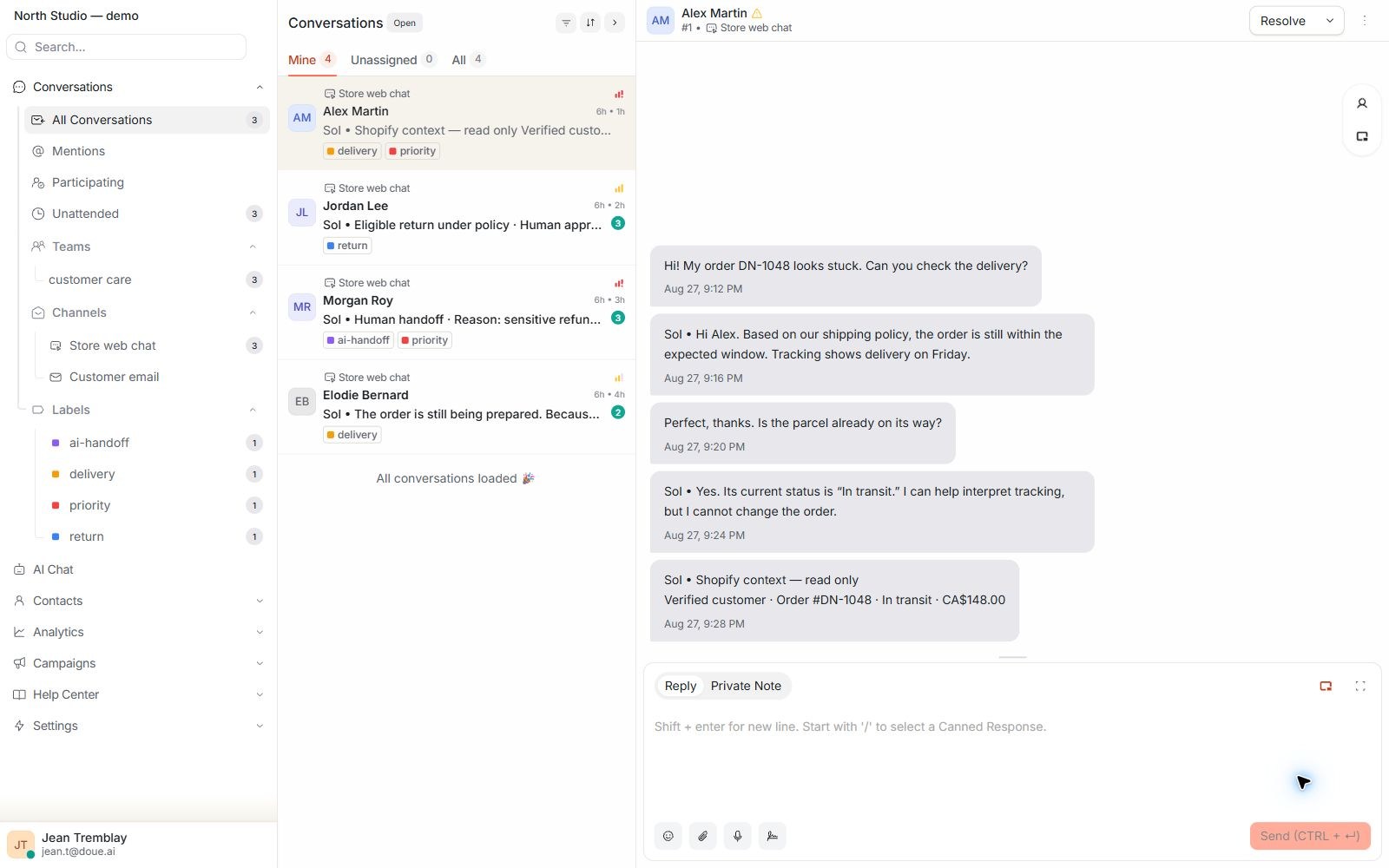
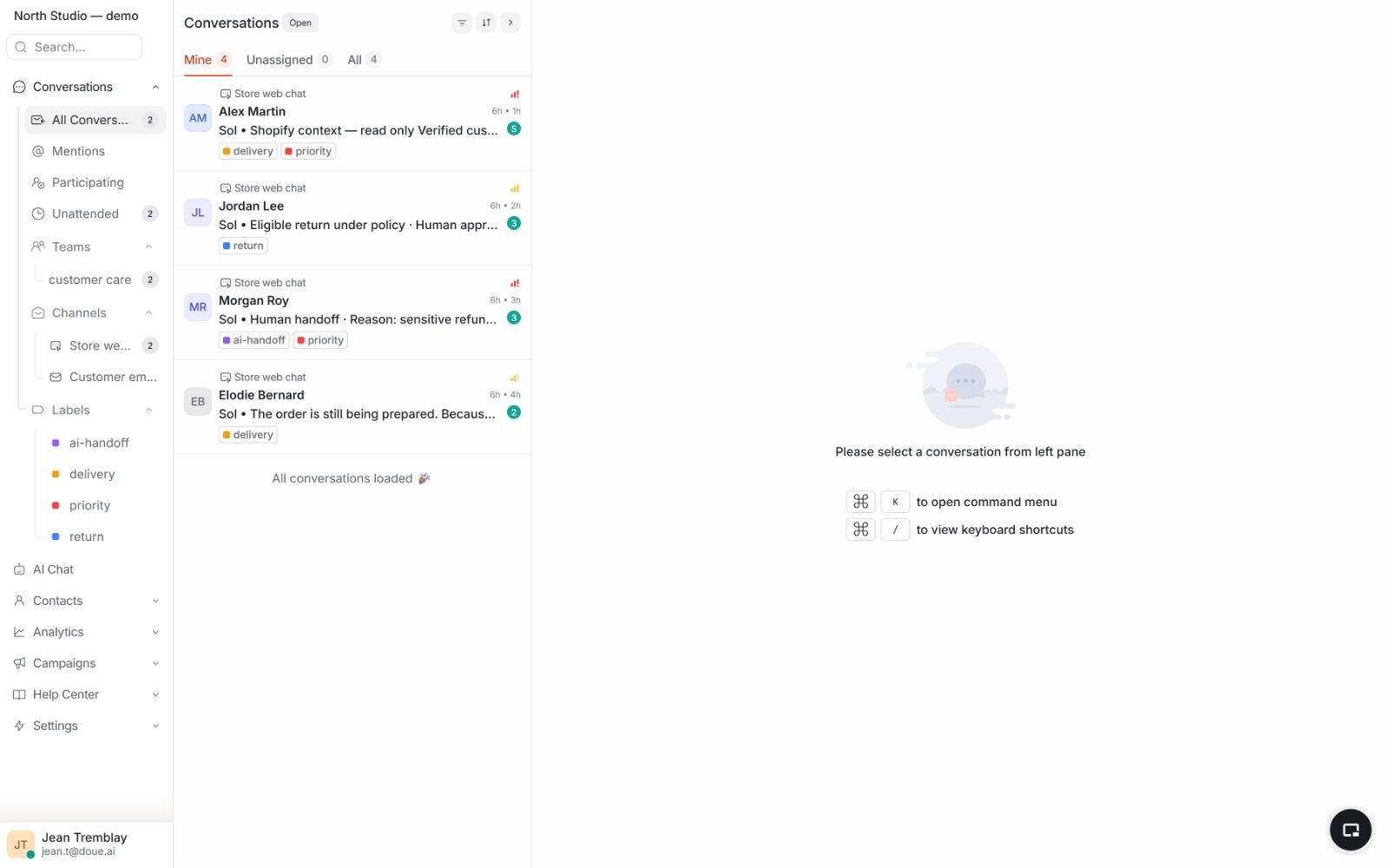
The service workflow
The inbox, approved context, and human team stay connected through the conversation.
Bring the customer question into the shared inbox.
See the conversation history and the sources available for an answer.
Answer when evidence is sufficient or transfer the case with context.
Keep ownership and the conversation history visible after the next step.
Clear responsibilities
doue supports the repeatable work while the team defines the operating boundaries.
Available in doue
Triage, assign, and respond from a common conversation history.
Require evidence from authorized content for factual automated answers.
Transfer unsupported or sensitive requests with context and a reason.
Your team decides
Working guides
Two guides to organize ownership and human handoffs.
Start with the shared inbox or talk with us about your current support workflow.