Shared inbox

The conversation. And its context.

Bring requests, ownership and customer history together in one shared inbox.
See how it works
  • Private beta by invitation. Participation terms are agreed individually with each tester.
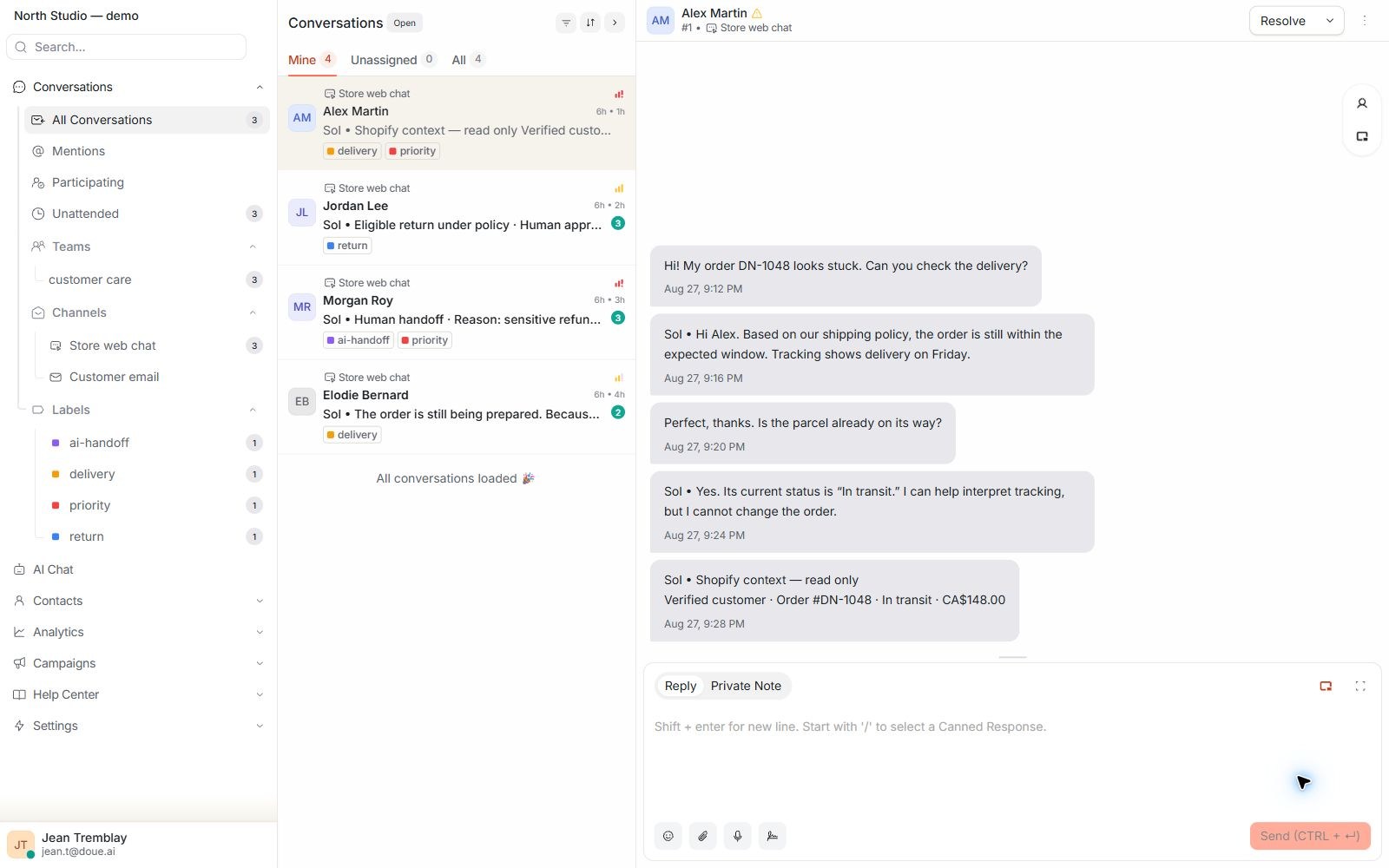
doue inbox dashboard showing conversation queues, priorities, and ownership.
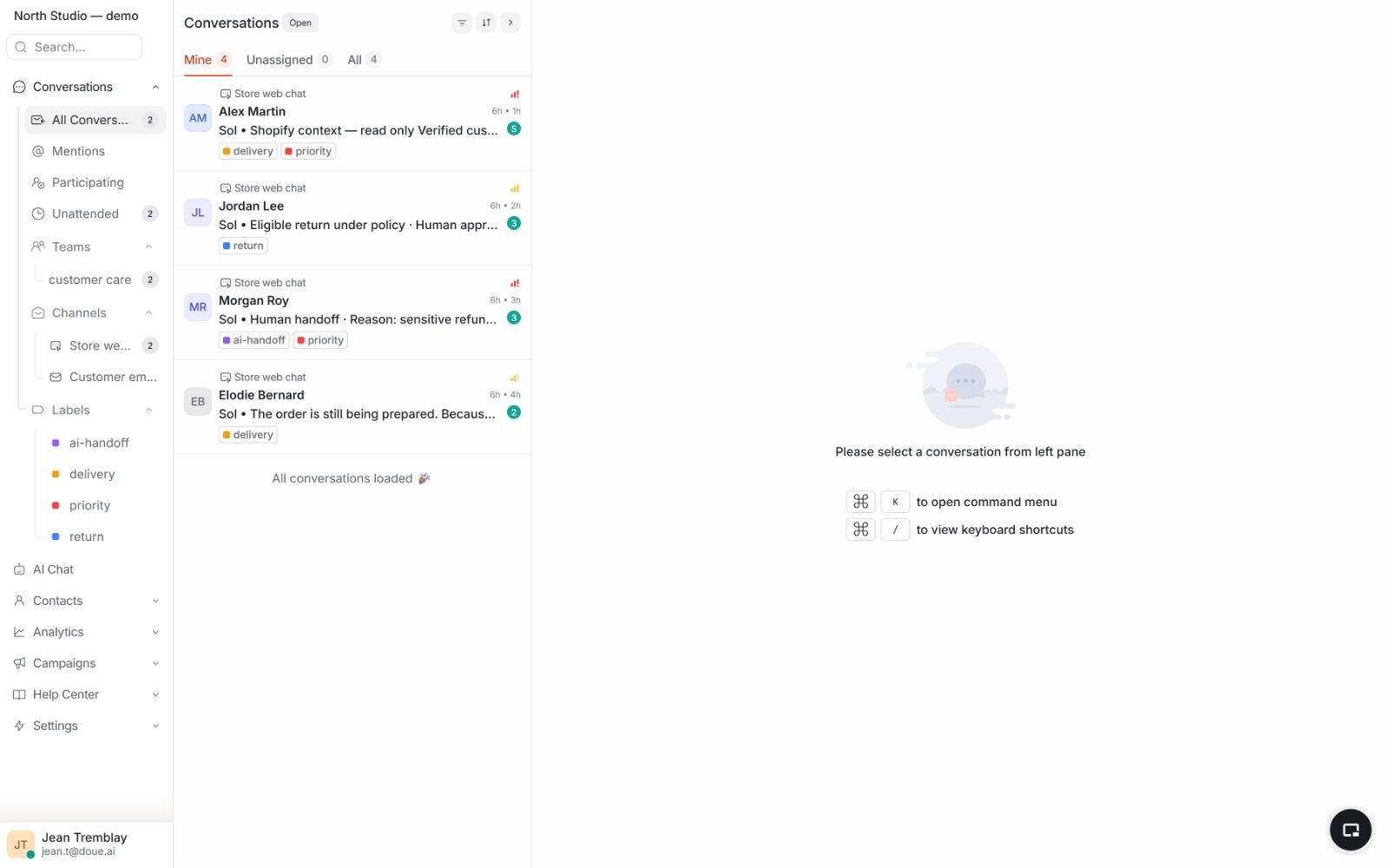
doue inbox with a request list, a synthetic conversation, and the customer profile panel.

One shared view

One request. The full picture.

The list, conversation, and customer panel stay visible together to reduce unnecessary screen switching.

  • The queue shows channel, status, and priority.
  • Ownership prevents two people from handling the same request.
  • Past exchanges remain attached to the customer.

In your workspace

Find the customer beyond a single message.

Contact, company and segment records help the team find context recorded in the account.

  • Review available history and attributes.
  • Organize contacts through authorized views and segments.
  • Respect permissions and check information before use.
Read the guide

In your workspace

Reuse what has already been prepared.

Canned responses provide reusable text. Macros group handling actions that the team can apply within its authorized scope.

  • Adapt text to the customer before sending.
  • Check a macro’s actions before applying it.
  • Assign a person responsible for shared templates.
Read the guide

In your workspace

A widget suited to your welcome.

Configure branding, the bubble and the pre-chat form in Web inbox settings. Test states and languages on your website.

  • Customize the options exposed by your inbox.
  • Removing attribution follows your plan entitlements.
  • Check installation and human handoff on mobile as well.
Read the guide

Order context

Order details beside the message.

Useful Shopify profile and order attributes appear beside the thread with an explicit read-only boundary.
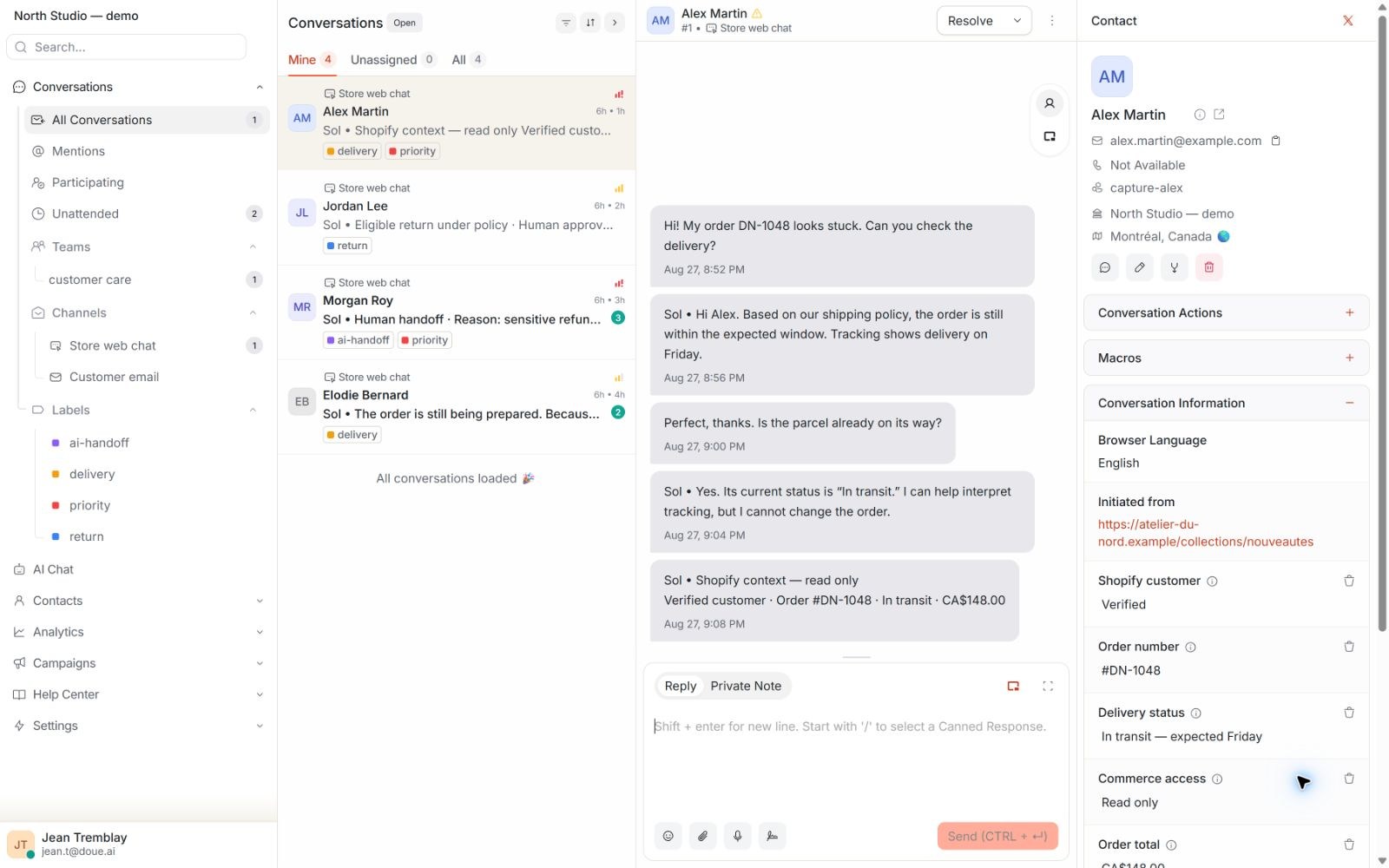
  • The verified Shopify customer is identified in the conversation.
  • Order number and fulfilment status remain visible.
  • Human handoff preserves the information already gathered.
doue conversation panel showing history and read-only Shopify attributes for a synthetic customer.

Capabilities and limits

Keep the conversation moving.

Available features help the right person answer with the right context.

Available today

Email and web chat

Brings conversations into one shared queue.

Assignment

Identifies the agent or team responsible for the next action.

Customer history

Keeps previous messages available for service continuity.

Order context

Shows useful Shopify details in read-only mode.

Limits and control

Control stays with the team.

The inbox distinguishes automated assistance from human work.

  • Access to conversations follows account and team boundaries.
  • History preserves the source of messages and handoffs.
  • An AI handoff appears as an explicit step with its context.

Bring your team together.

Private beta by invitation. Participation terms are agreed individually with each tester.

Contact us
  • Access by invitation
  • Terms agreed individually
  • Private beta by invitation. Participation terms are agreed individually with each tester.