Back to the help centre
Getting started
Install and check the widget
Prepare a Web inbox, install its code and check exchanges.
Application workflow
- In settings, open inbox management and create a Web chat inbox for the relevant website.
- Check its name, website address and members authorized to reply. Configure available branding, bubble and pre-chat form options.
- Copy the installation code provided by that inbox and add it to your website through your publishing tool. Use the correct account’s code.
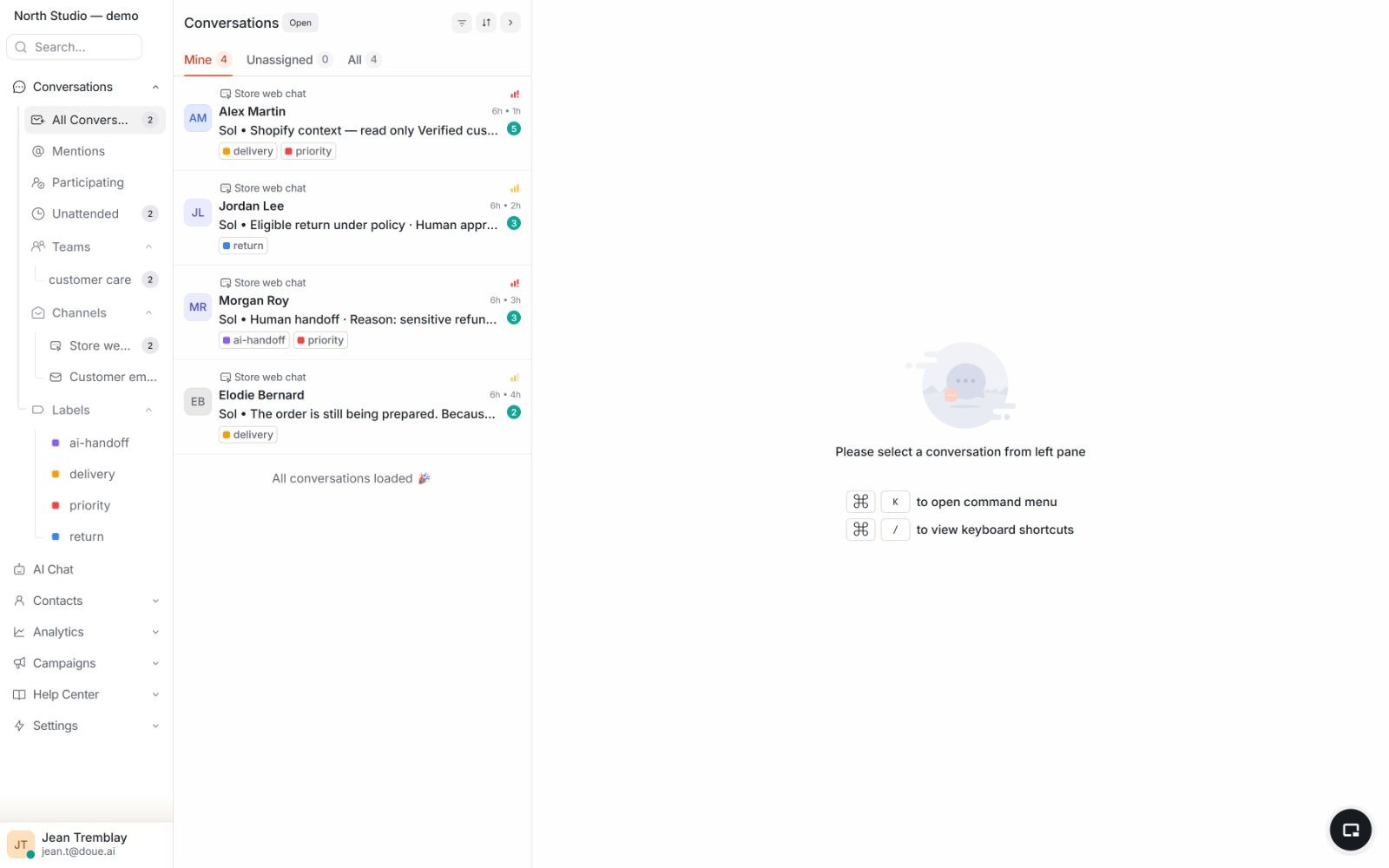
- Open the site in a new session, send a demonstration message and reply from the shared inbox.
- Check the workflow on mobile, configured languages and human handoff before assigning Sol.
If the workflow is blocked
If the bubble does not appear, check the published code, website address, visibility settings and any required consent. If the message does not reach the inbox, check the account and code used before reinstalling.
Access and limits
Removing attribution depends on the plan. Installing a widget does not automatically enable an AI assistant.