Back to the help centre
AI and automation
Add and maintain sources
Add a source, check its processing and test the replies it supports.
Application workflow
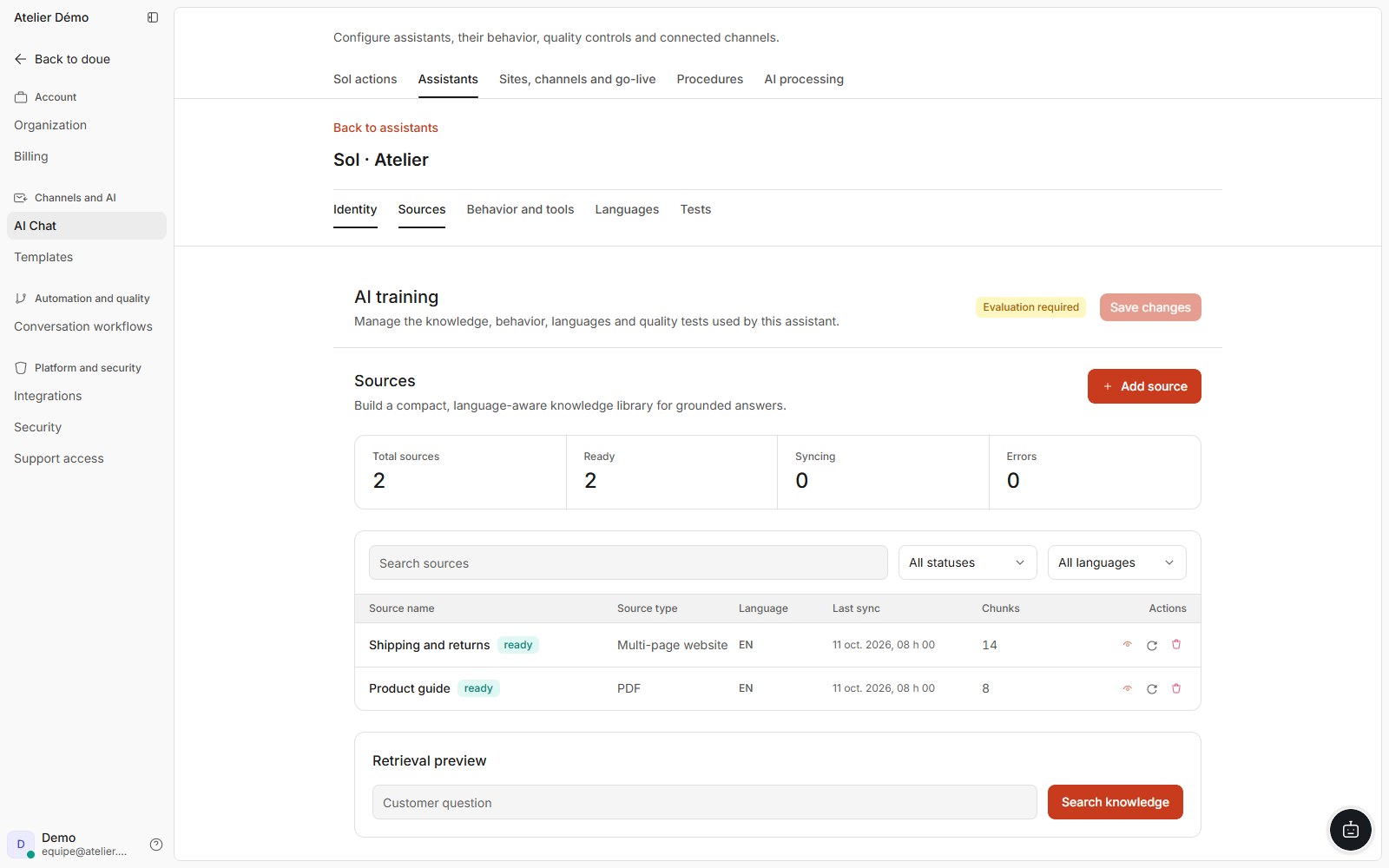
- In AI configuration, open the relevant assistant and its sources. Check its languages and scope.
- Add the appropriate source type: public URL, website or document offered by the interface. Give it a clear name and language.
- Wait for a ready status. Review errors and processed content; adding a file alone does not prove it can be used.
- In assistant tests, ask a question answered by the source and a case that requires human handoff.
- After a policy change, refresh the source through available options and repeat those tests.
If the workflow is blocked
For content that is not ready, check the displayed error: URL access, format, size, empty content or account limit. Fix the cause before retrying. Do not create copies to bypass an allowance.
Access and limits
Websites, indexed pages, documents and refreshes have account limits. Synchronized products and independently crawled pages follow the active catalogue rules.