Back to the help centre
Team workflows
Read reports and satisfaction
Choose a period and compare equivalent scopes.
Application workflow
- Open Reports with an authorized role. If the module is missing, ask the administrator to check enabled features and your permissions.
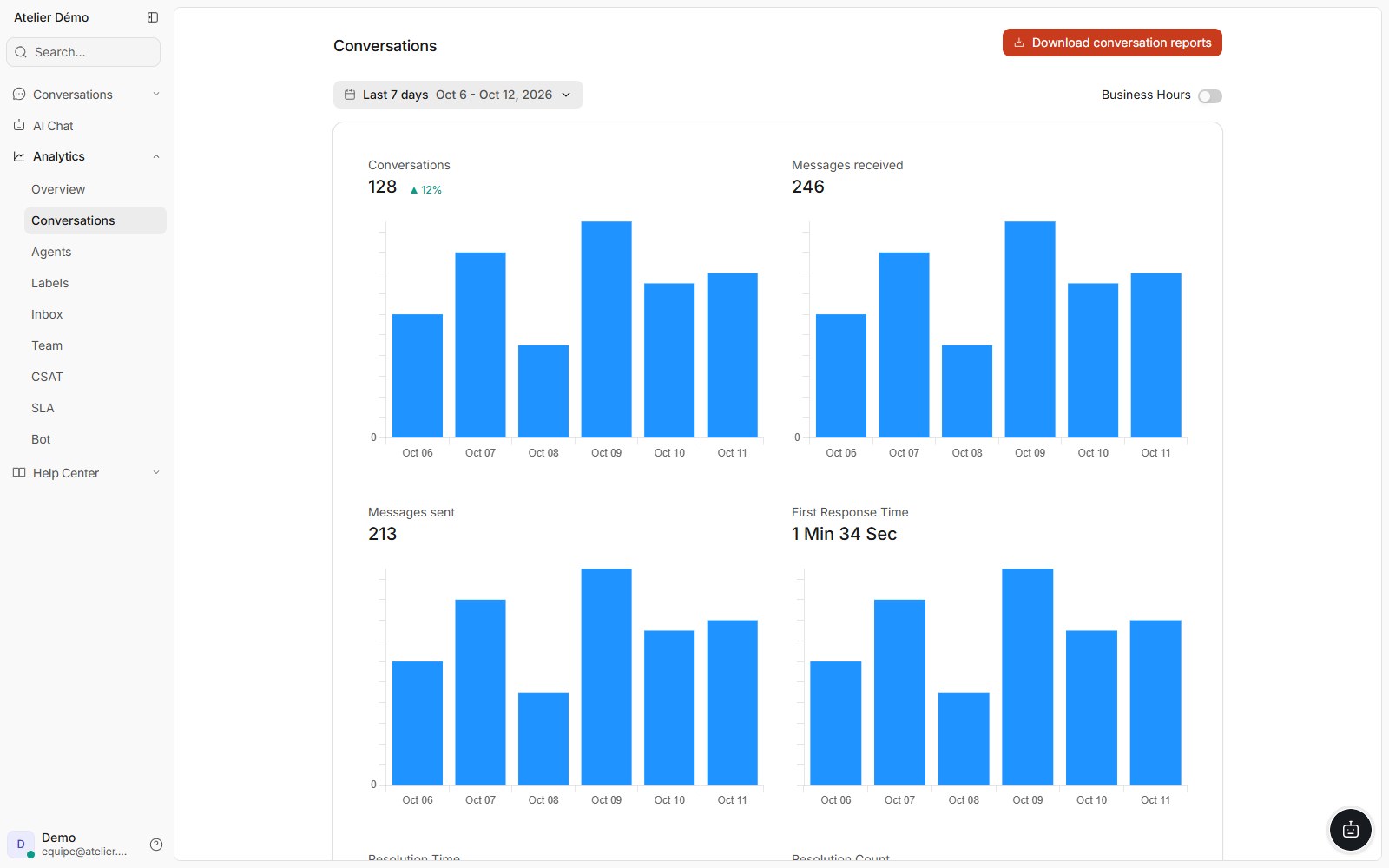
- Choose the Conversations, Agents, Teams or Inboxes view available for your account.
- Set the period, grouping and business-hours options before comparing volumes and times.
- Open CSAT satisfaction to review received responses and its filters. Check that surveys have been configured.
- Record the period and filters alongside your interpretation. Use the offered export when you need to share measurements.
If the workflow is blocked
An empty chart may reflect a period with no data or narrow filters. Check the scope before drawing conclusions. For loading errors, retry and send context to support without sensitive data.
Access and limits
A recorded resolution does not certify a correct AI reply. An unanswered survey does not establish satisfaction. Audit logs are separate from service reports.